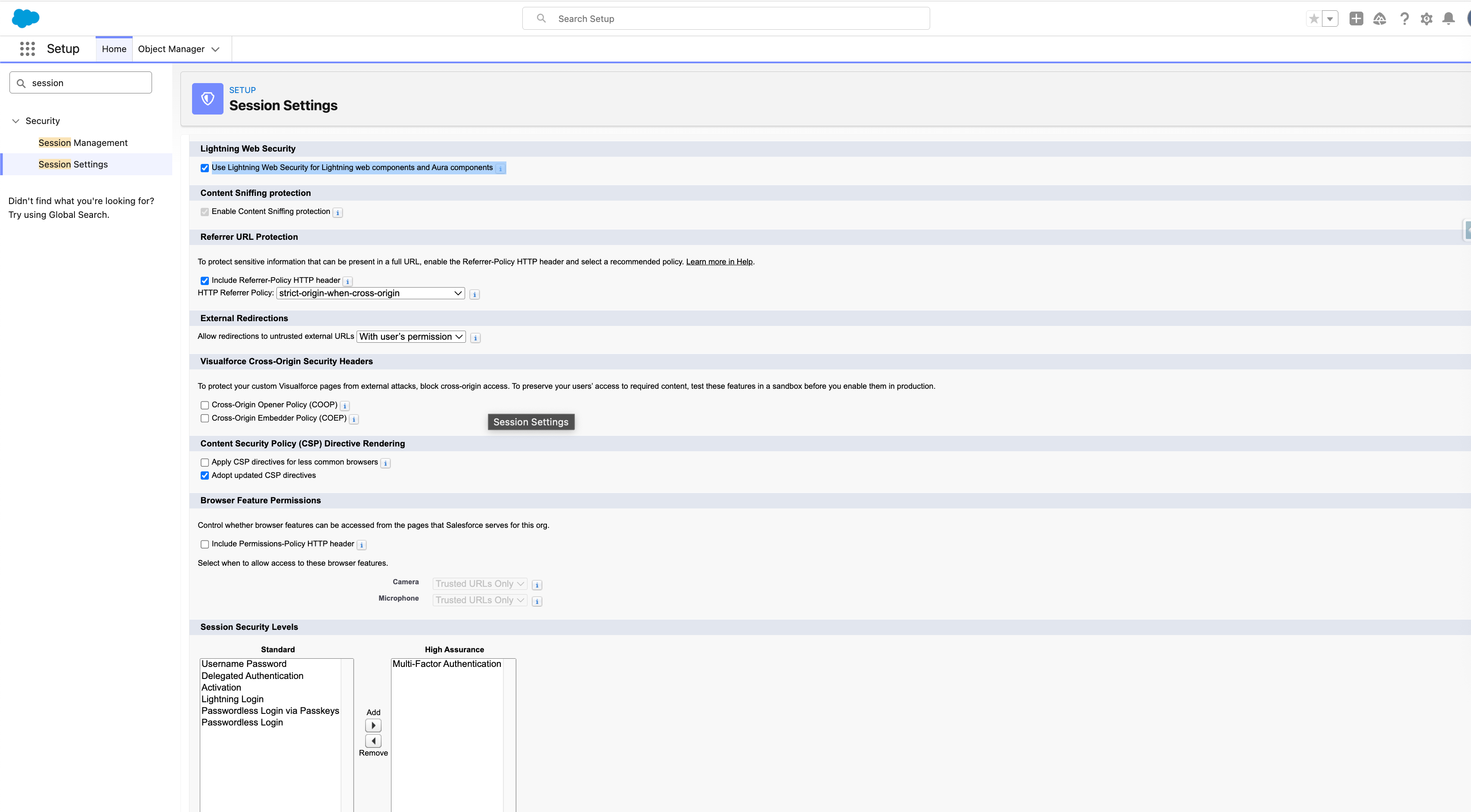
Enable Lightning Web Security
In order for 24Files to function correctly, you need to enable Lightning Web Security.
Navigate to Setup > Session Settings and enable Lightning Web Security as shown in the screenshot below.
More information on Lightning Web Security is available on this Salesforce documentation page.