Create folders conditional upon record field values
In normal operation, 24Files will create the folder hierarchy defined in the Folder Structure Record at the moment the record is being created and the 24Files Lightning component is loaded on the record page.
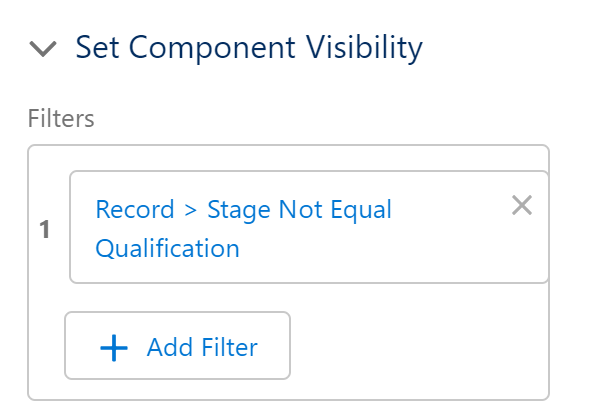
In some cases, you may not want the folders to be created automatically when the record gets created but only when some additional conditions are met. As an example, assume that you create a new opportunity in the Qualification stage, but you want the folder structure to be created at the time when the deal moves from the Qualification stage to another stage.
You can do this by defining filter criteria in the Page Layout view (navigate to cog wheel > Edit Page). Click on the 24Files component and scroll down in the right hand side menu to the bottom of the page. Under Set Component Visibility, you can specify rules. If you do so, the 24Files component will not be visible on the record page and the folders will not be created in SharePoint as long as the visibility rules are not met.