24Files integrates with the Microsoft 365 Copilot Retrieval API, which allows you to search for documents and their content within your record folder.
The Microsoft Retrieval API accomplishes RAG (Retrieval Augmented Generation) by extracting up-to-date and relevant text snippets from SharePoint. The Retrieval API keeps your data in place and upholds your access and governance controls. The Retrieval API ensures that synthesized responses are informed by the latest and most relevant data. This process enhances the reliability and usefulness of your generative AI solutions.
The API supports natural language queries and uses the Microsoft 365 Copilot stack to retrieve relevant grounding context within the Microsoft 365 trust boundary. Within an organization, the permissions model in Microsoft 365 ensures that individuals can only get results from the content they are allowed to access.
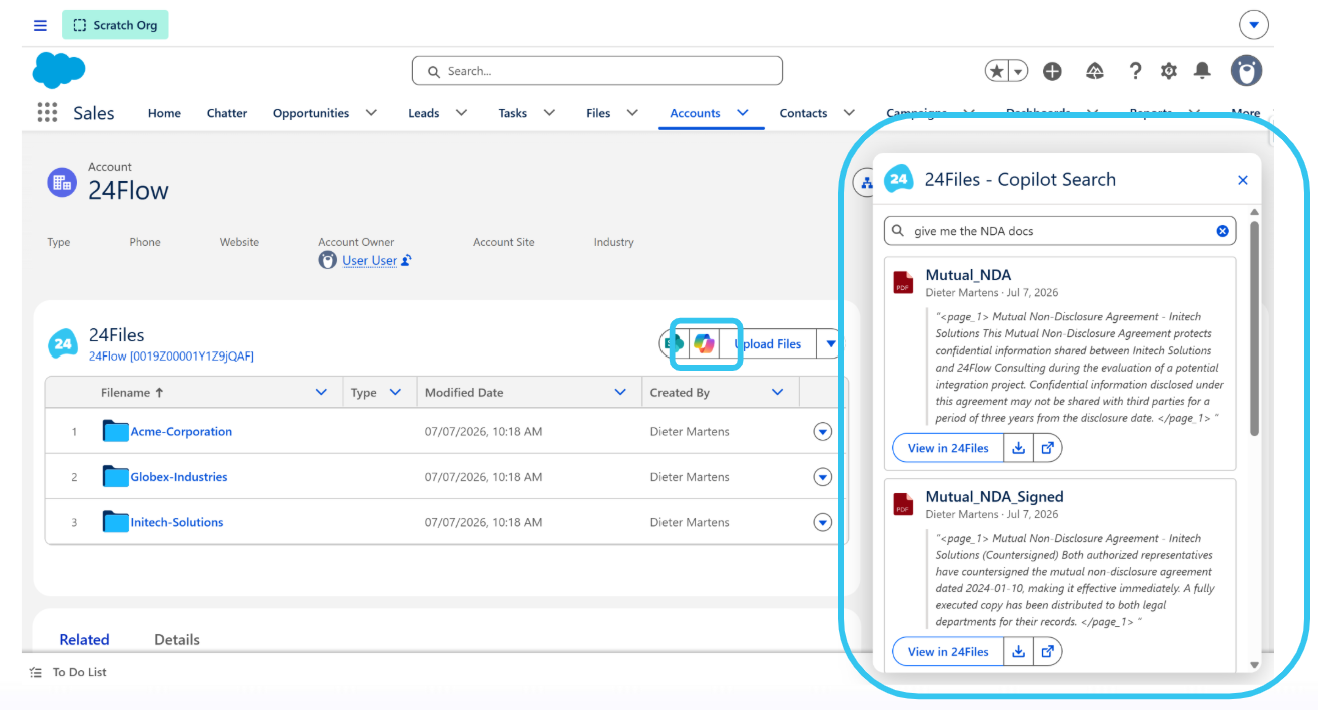
When Copilot is enabled, an additional icon appears in the 24Files component:

Clicking on the icon brings you to a search popup:
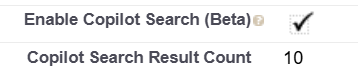
Copilot is enabled via Setup > Custom Metadata Types.
Microsoft stipulates that you need the Files.Read.All and Sites.Read.All permissions to retrieve SharePoint content using the Retrieval API.
To use this feature, users require a Microsoft 365 Copilot add-on license.
Please note that in addition to the above settings, the 24Files team needs to enable Copilot on your ORG. So please contact the 24Files team and share your ORG ID.