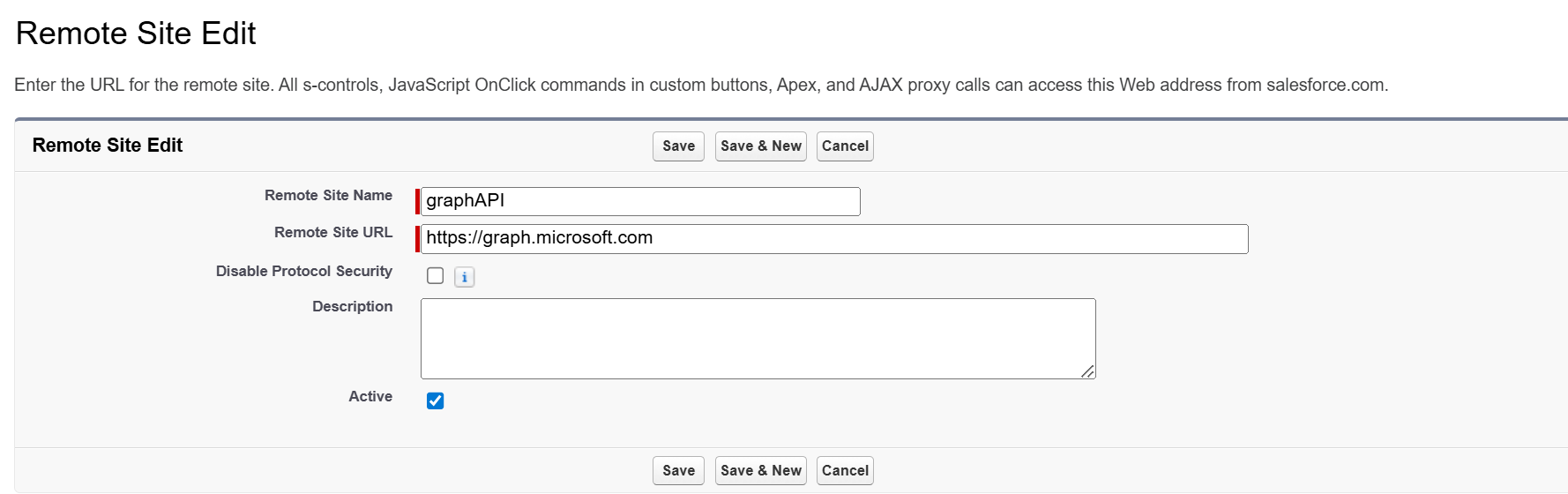
Create a Remote Site.
From Setup, enter Remote Site Settings in the search bar.
-
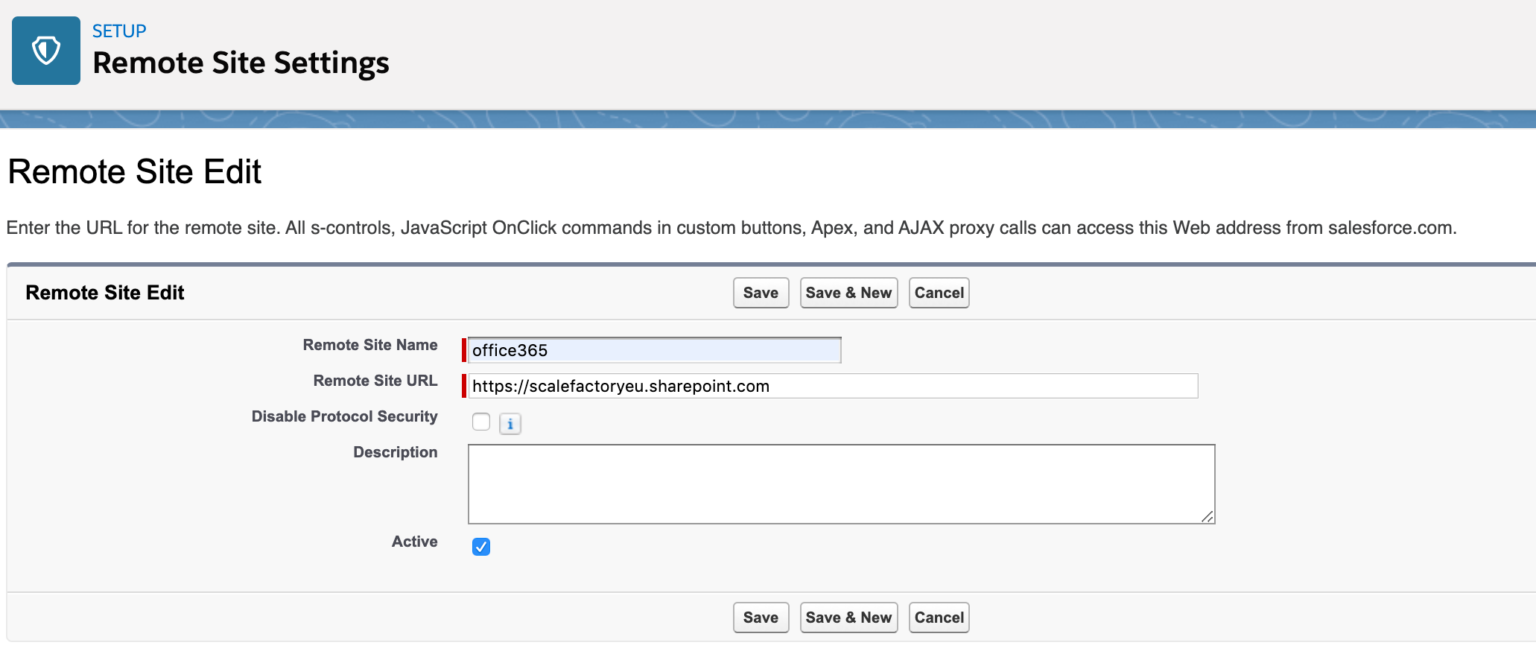
Add a Site Name and add the URL of your SharePoint instance.
-
Check the ‘Active’ checkbox
-
Save Remote Site Settings.
See the example below.
As of 24Files v5.380, 24Files relies on graph API and you need to add an additional remote site setting for https://graph.microsoft.com.