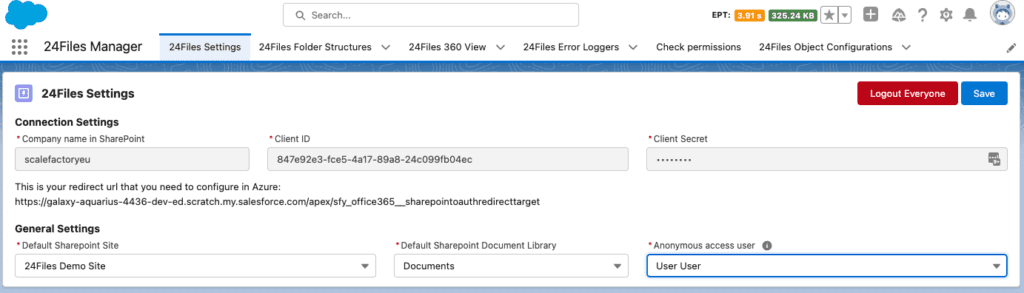
Finish the config screen: select a site, document library and anonymous user.
Press Save.
In case you do not get a picklist for selecting the default SharePoint Site:
-
fill in the Anonymous access user first.
-
Save.
-
Refresh the page and the picklist will appear.
Note that the Anonymous Access User MUST have access to the root site at the top of your SharePoint URL domain [https://[yourdomain].sharepoint.com].